Tagitize
Tag Individual Hosts
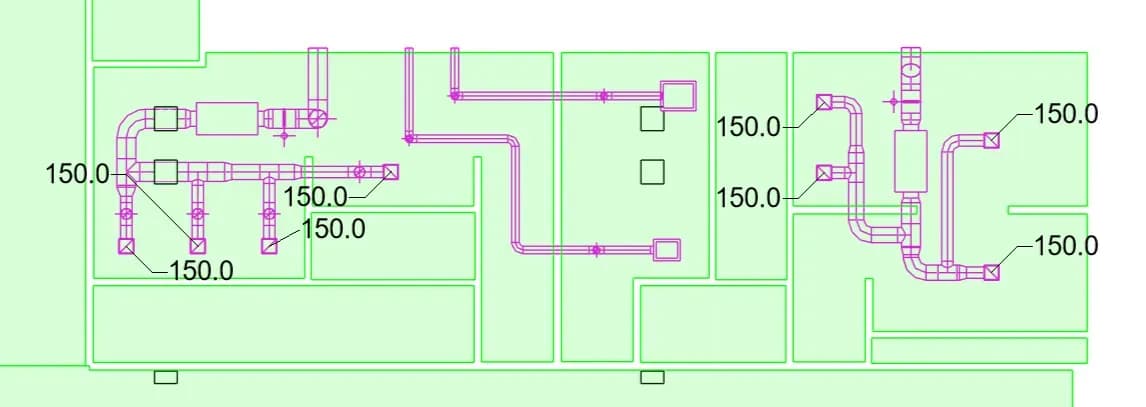
This is the default tag location type. Each host element will receive its own new tag. In the example below, we tagged individual air terminals.
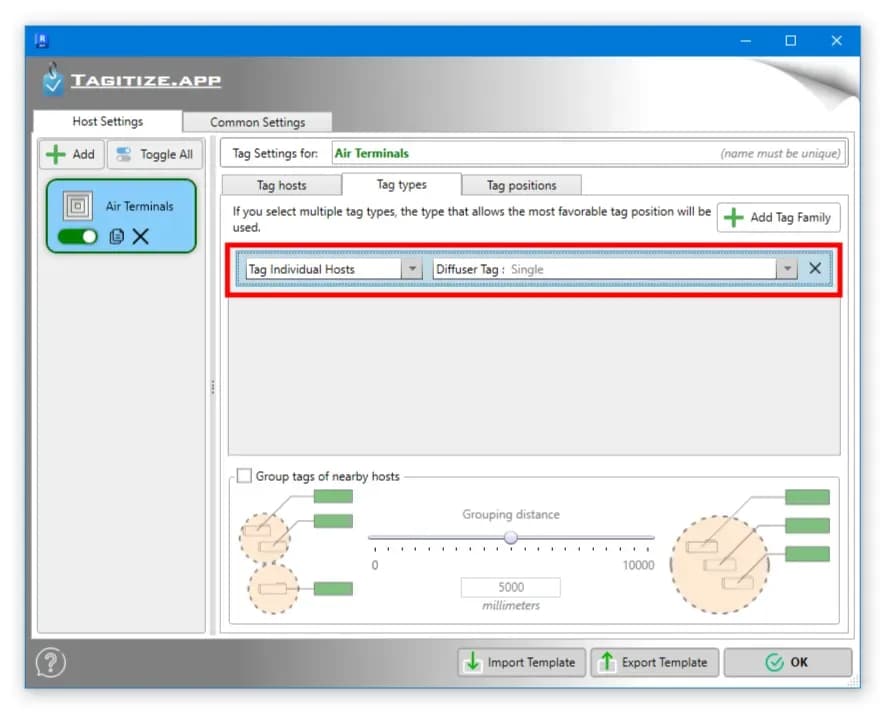
The settings for this are quite minimal. Simply set the first dropdown to “Tag Individual Hosts” and then select the tag type you want to use.
If you ran Tagitize and a required element didn’t get tagged, check that:
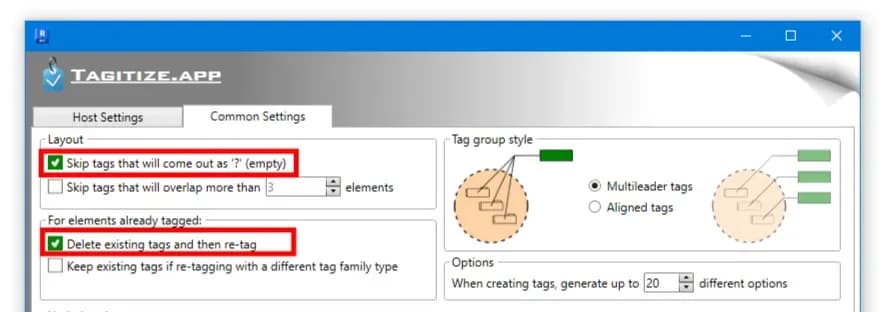
- The new tag wouldn’t be empty. If you want to create empty tags, enable that option under the “Common Settings” tab.
- The element doesn’t already have an existing tag. If you want to double-tag it, also enable that option under the “Common Settings” tab.