Tagitize
Show/Hide Grid Bubbles
Tagitize makes it easy to quickly change the visibility of grid bubbles. This is handy, especially in large projects with thousands of views.
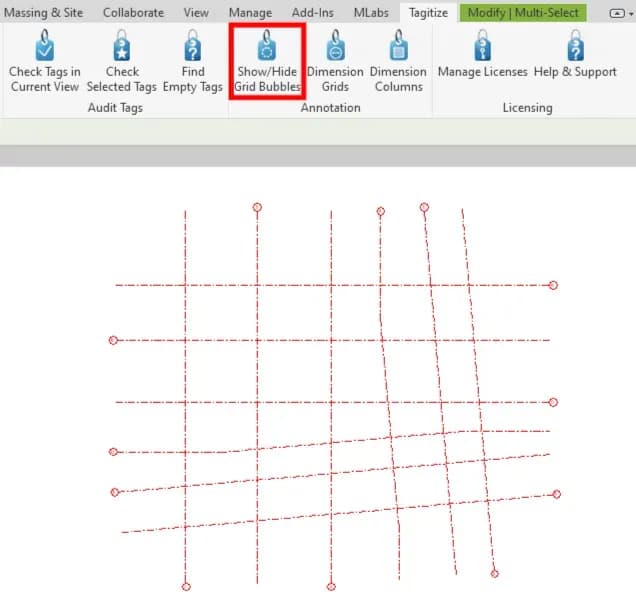
To start, open a view and select at least one grid line. Then, click the button below:
You can then select on which side of the view grid bubbles should be visible. On the view sides not selected, any currently visible grid bubbles will be turned off. Therefore, feel free to select all 4 sides if necessary.
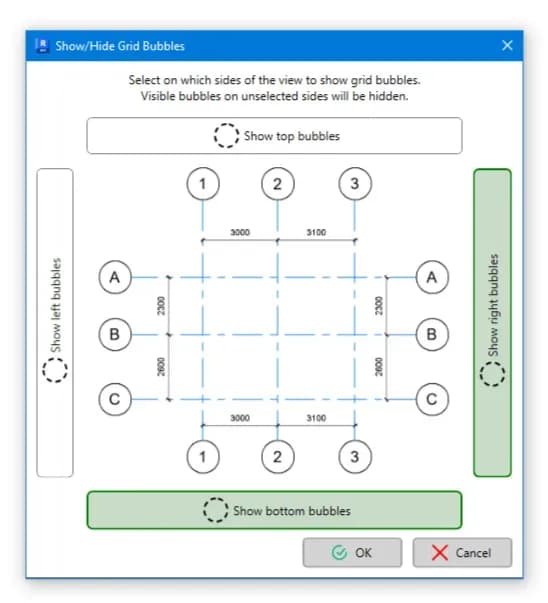
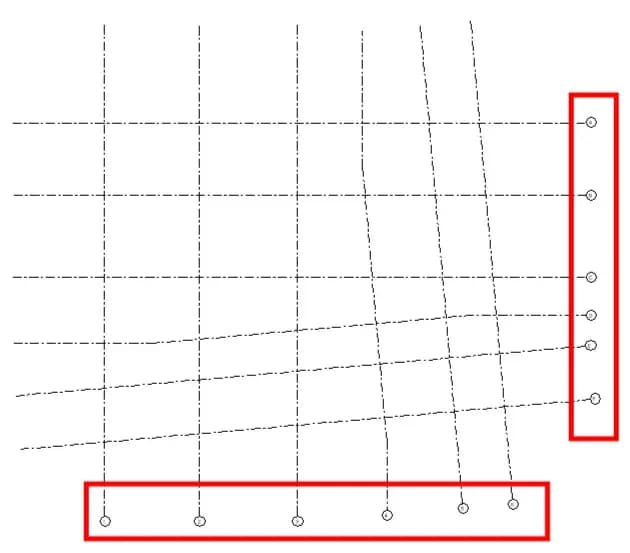
Finally, click OK and check the result. In the example below, we only selected to show grid bubbles on the right and bottom sides of the view. Those on the top and left sides have been turned off.