Tagitize
Dimension Columns
Want to generate dimensions quickly between Revit columns and grids? Tagitize will have you covered!
To start, select all columns you want to dimension, then run the command below:
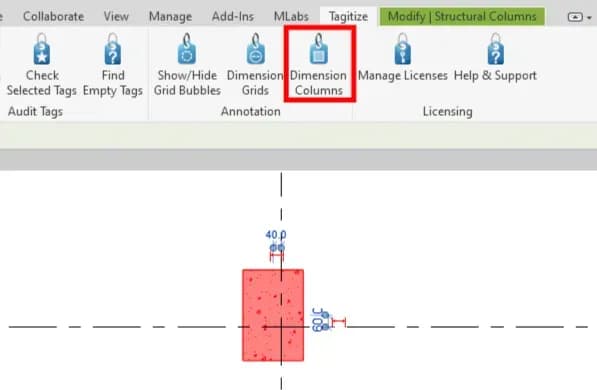
Next, select the dimension type you want to use.
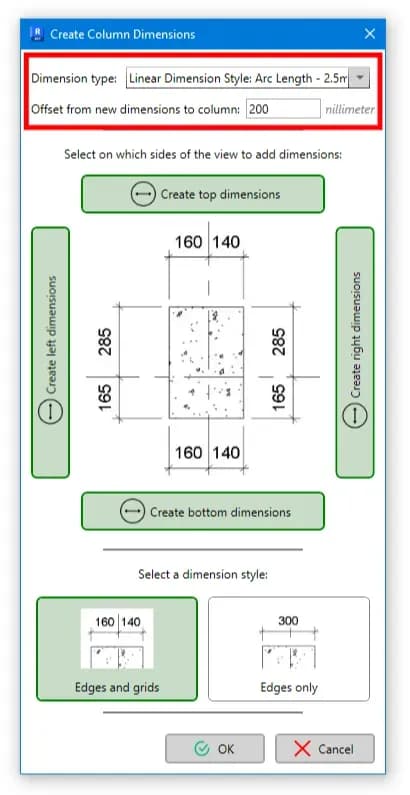
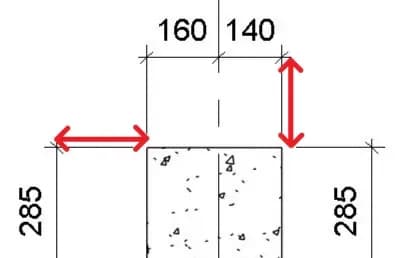
Then, set the offset distance between new dimension lines and the columns. It’s the distance highlighted below:
For the last option in this window, choose whether you want new dimensions to include reference to the grid lines closest to each column’s location. If you choose “Edged and grids”, the result will be like this:
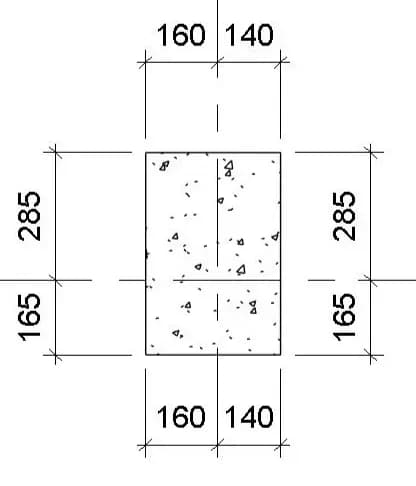
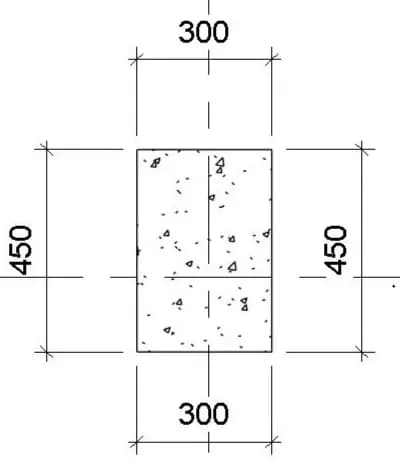
If you choose “Edges only” to exclude grids from the dimensions, you’ll get this instead: